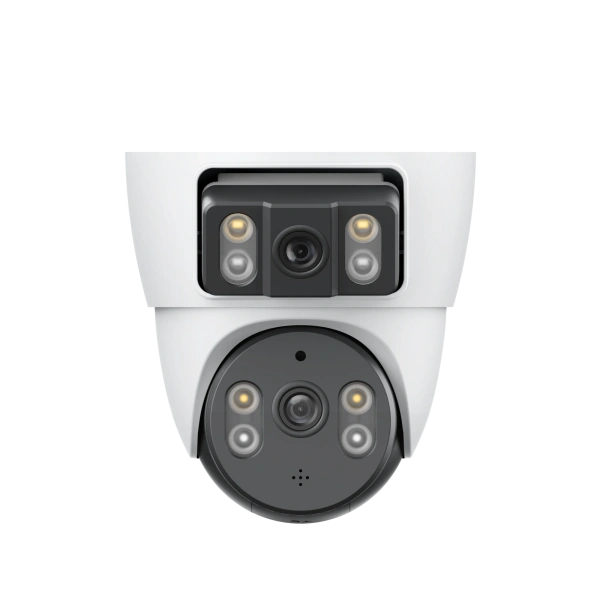
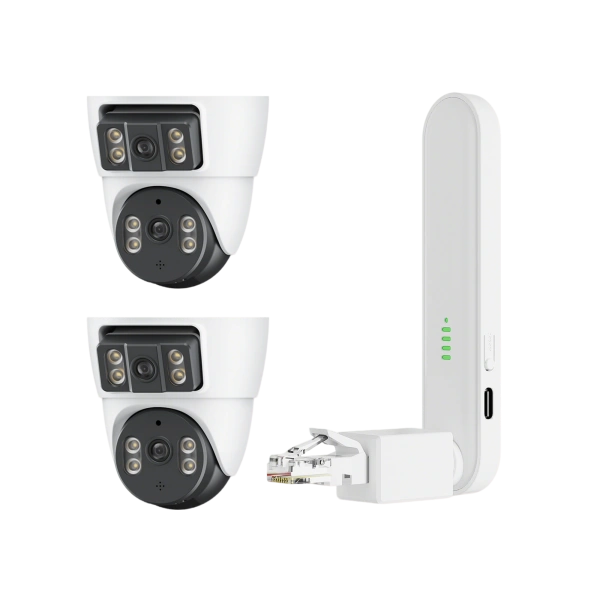
· The 4G camera is connected to the Internet through the LTE-4G network. As long as a normal SIM card is inserted into the device and the SIM card has remaining data, the device will automatically connect to the network after powering on
Configuration steps:
1) Please connect the antenna of the device and insert 4G sim card correctly
2) Power on the device, when the indicator light turns to yellow, it connects successfully
3) Click the "+" button in the upper right corner of the device list. Scan the QR code on the device to add it, or manually fill in the device ID
Indicator light status:
1) Indicator is off: device is powered off or standby mode
2) Indicator is red: device is powered on and wakes up, but the network is unavailable
3) Indicator is yellow: device is connected to the network
4) Indicator red light flashes continuously: device can't detect the SIM card, please check whether the card is inserted
5) Indicator red light flashes twice continuously: SIM card can be detected, but device can't connect to the Internet. Please check whether mobile data plan is available



Follow V380